Get Knolect for Chrome

Turn YouTube into an intentional, distraction-free study space. One-click installation through the official Chrome Web Store.

Choose your browser:
Google Chrome Logo

Install Knolect for Chrome

Official Extension v1.0.0 · Free & Open Source · No Account Required
Chrome Web Store Listing Coming Soon

The Knolect extension is currently being prepared for Chrome Web Store publication. One-click installation will be active right here once Google's review is finalized. Pre-register your email below to be notified on launch day.

100% On-Device Storage
Manifest V3 Modern Security
Zero Remote Telemetry
Active Exclusively on YouTube

See Knolect in Action

Learn how to turn YouTube into a focused learning space in just a few minutes.
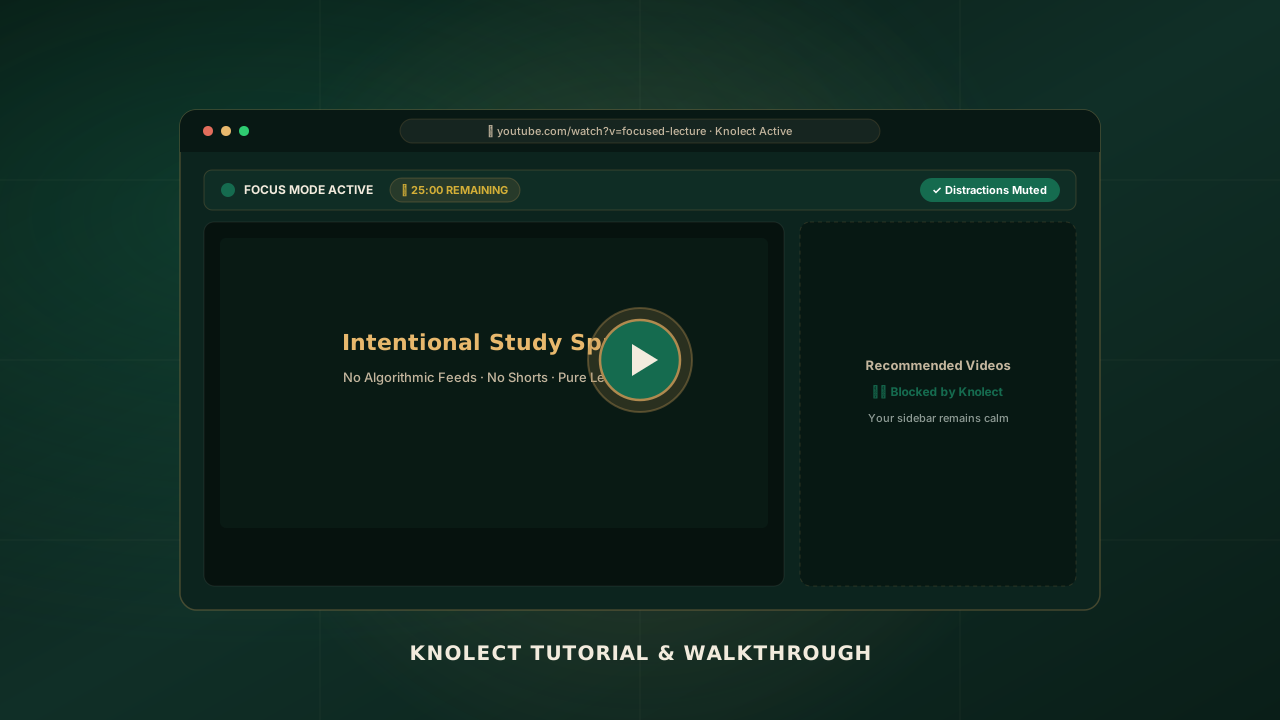
Knolect Focus Mode Video Tutorial Preview
Video Walkthrough
⏱ TUTORIAL

How to Use Knolect

A step-by-step walkthrough of the genuine focus features built directly into the extension.

Install from Chrome Web Store 1-Click Setup

Click "Add to Chrome" on the official store listing. Chrome will verify the package and activate Knolect instantly. No registration, login, or tracking permissions required.

Pin the Extension for Quick Access Browser Toolbar

Click the puzzle piece icon (🧩) in your browser toolbar, find Knolect, and click the pin icon. This gives you instant 1-click access to the Focus Control Center while watching any lecture.

Open YouTube & Notice the Calm Auto-Activate

Navigate to youtube.com. Knolect’s content engine immediately engages, stripping out algorithmic feeds and displaying your intentional search and learning portal.

Activate Focus & Learning Controls Core Engine

Click the Knolect icon to open your Focus Control Center. Enjoy these verified capabilities:

Feed & Sidebar Blocker Removes home recommendations, related video autoplay, and end screens.
Shorts Elimination Hides the Shorts navigation tab and blocks short-form scroll traps.
Strict Focus Allowlist Enforces study-only viewing by permitting verified channels or "My Study" channels.
Pomodoro Session Timer Structured 15m, 25m, or 50m learning intervals with on-page remaining time.

Configure Settings & Review Your Focus Center Private Dashboard

Right-click the Knolect icon and select Options (or click Settings → Focus Center Dashboard in the popup). Review your personal focus telemetry—total hours studied, distractions filtered, and manage your allowed channels securely on your local device.

Frequently Asked Questions

Clear answers about installing Knolect, browser permissions, and privacy.

When Knolect is published on the Chrome Web Store, simply click "Add to Chrome" at the top of this page, then confirm the browser prompt. Chrome downloads and enables the extension automatically within seconds.
Knolect is built on Google’s Manifest V3 standard and is fully compatible with all Chromium-based desktop browsers: Google Chrome, Microsoft Edge, Brave, Opera, Vivaldi, and Arc. Support for Mozilla Firefox and Apple Safari is currently in planning.
Knolect requests host access to *://*.youtube.com/* exclusively to hide distracting visual elements (such as recommendation sidebars, algorithmic feeds, shorts carousels, and comments) on the page. All element modifications occur 100% on your machine. Knolect has zero access to your external browsing history or accounts.
When new extensions are installed, Chrome often places them inside the extensions puzzle menu. Click the puzzle icon (🧩) next to your browser’s URL address bar, find Knolect in the dropdown, and click the blue pin icon. Knolect will now remain permanently visible on your toolbar.
Focus Mode strips out distracting algorithmic noise (shorts, home feed recommendations, sidebar suggestions, and comments) while allowing you to watch any video you intentionally search for. Strict Focus takes focus one step further: it restricts playback exclusively to verified educational channels (or channels you explicitly approve in "My Study Channels") and pauses non-learning videos.
No. Absolutely not. Knolect does not have any tracking servers, remote analytics scripts, or cloud databases. Your focus preferences, distraction toggles, and session timer logs stay exclusively in your browser’s local storage (chrome.storage.local) on your own computer.